Crypto Bot Permissions Checklist: What a…
**Answer first** - A crypto trading bot should never ask for your seed phrase, should not require your main holdings wallet, and should not need unlimited authority over every toke
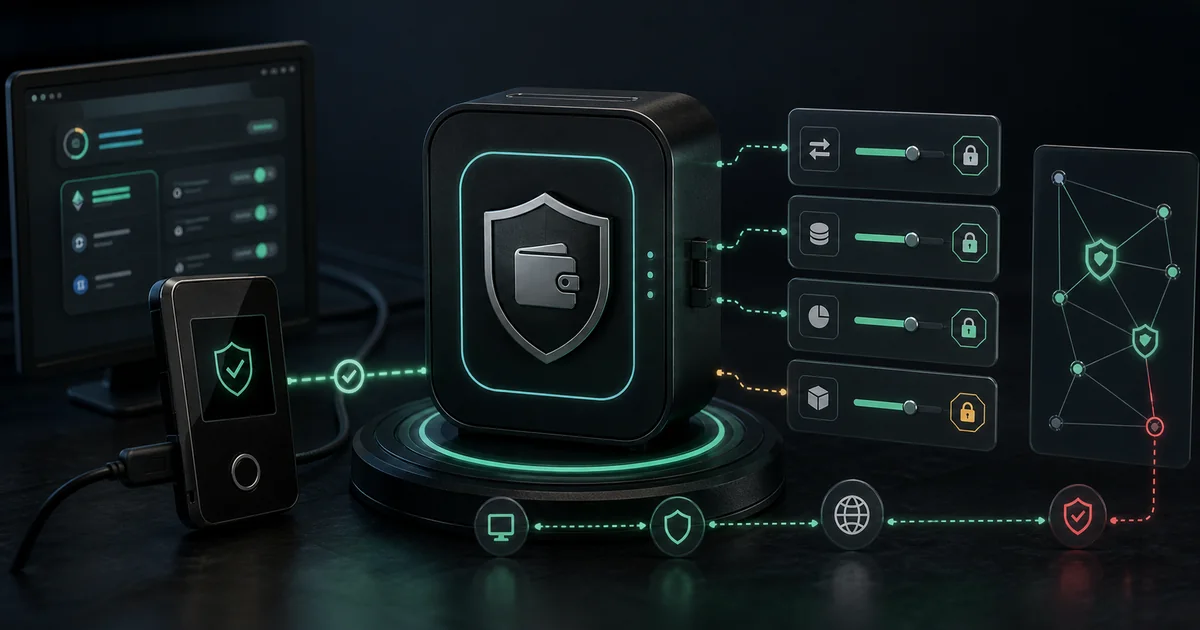
Answer first - A crypto trading bot should never ask for your seed phrase, should not require your main holdings wallet, and should not need unlimited authority over every token you own. Safer bot usage starts with a dedicated wallet, limited approvals, local signing where possible, simulation mode, and a clear stop plan. FRB is designed around user-controlled keys, but users still need disciplined permission hygiene.
Crypto bot risk often starts before the first trade. The dangerous moment is not only "go live"; it is the first time a user grants a permission they do not understand.
Permission types to understand
| Permission | What it enables | Risk level | Safer habit |
|---|---|---|---|
| Seed phrase | Full wallet recovery | Critical | Never share it. |
| Private key import | Full control of one account | High | Use a dedicated trading wallet only. |
| Token approval | Contract can move a token up to a limit | Medium to high | Use bounded approvals and revoke stale ones. |
| Session key | Temporary or scoped signing | Medium | Confirm scope, expiry, and revocation path. |
| Read-only address | Portfolio or balance view | Low | Safe for dashboards, still watch privacy. |
| CEX API trading key | Can place exchange orders | Medium | Disable withdrawals and limit IPs. |
| CEX API withdrawal key | Can move funds | Critical | Do not grant to trading bots. |
The safer pattern is least privilege: give the tool only the minimum access needed for the specific workflow.
Critical red flags
Walk away or pause if a bot asks for:
- Your seed phrase.
- A screenshot of your wallet.
- Remote desktop access to "finish setup".
- Unlimited CEX withdrawal permissions.
- A private key for your main holdings wallet.
- A blind signature without readable transaction simulation.
- A link from a DM instead of the official website.
- A contract approval you cannot identify.
Some legitimate workflows need a dedicated hot wallet. That wallet should be funded only with the amount you intentionally allocate to execution, not with long-term holdings.
What FRB users should check
FRB's trust posture is non-custodial by design, but that does not remove user-side responsibility. Before live execution:
- Download only from the official Download page.
- Verify the build through Trust Verification and Releases.
- Use a dedicated wallet for trading operations.
- Start in Simulation Mode.
- Set per-trade, per-strategy, and daily execution limits.
- Keep your main savings wallet separate.
- Revoke stale token approvals after testing.
If a setup flow feels rushed, stop. A legitimate trading workflow can wait for verification.
Bounded approvals beat unlimited approvals
DeFi routers often ask for token approvals. The risky version is an approval for a very large or unlimited amount. That approval can remain active after the original trade, and a compromised or malicious contract can abuse it later.
Better habits:
- Approve only the token needed for the strategy.
- Approve only the expected size plus a small operating buffer.
- Revoke approvals after changing strategy or router.
- Review approvals weekly for active wallets.
- Do not reuse the same wallet across experimental protocols.
Approvals are not the same as custody, but they can still create a drain path.
Dedicated wallets are not optional
For MEV and high-frequency DeFi workflows, separate wallets by role:
| Wallet | Purpose | Recommended exposure |
|---|---|---|
| Main cold wallet | Long-term holdings | No bot connections. |
| Funding wallet | Transfers budget into trading wallet | Limited interactions. |
| Trading wallet | Signs bot transactions | Only strategy capital. |
| Test wallet | Simulation and dry-run validation | Minimal or no live funds. |
This keeps a mistake in one workflow from affecting the entire portfolio.
Permission review checklist
Before live execution, ask:
- Does the tool ask for a seed phrase? If yes, stop.
- Can I verify the build or source?
- Can I run without live capital first?
- Can I cap per-trade size?
- Can I cap daily execution?
- Can I identify every approved contract?
- Can I revoke or rotate the wallet quickly?
- Does the vendor publish a risk disclosure?
The right answer is not "trust us." The right answer is a process you can verify.
What Goes Wrong Without These Checks: Incident Patterns
The most common permission mistakes follow predictable patterns. Recognizing them in advance is cheaper than learning them on live capital.
Unlimited approval left active after strategy change. A trader approves USDT for a Uniswap V3 router during testing, switches strategies, and forgets to revoke the approval. Six months later the router's contract is upgraded and the new implementation has a critical bug. The trader's wallet is drained via the stale approval even though they hadn't used that strategy in months. Revoke approvals as part of any strategy change, not just at the end of a session.
Wrong wallet used for a high-pressure launch. A trader connects their main holdings wallet to a fast-moving new token launch because it's the wallet already open. The launch involves a malicious contract that triggers a transferFrom using a previously granted unlimited approval. The main wallet loses holdings that weren't part of the intended trade. The fix is always a dedicated snipe wallet, pre-funded only for the session's intended size.
Key exposure during "support" conversations. A Telegram agent claiming to represent a legitimate trading platform asks the user to "paste their private key into this tool to verify the configuration." Every legitimate tool uses wallet connect, WalletConnect protocol, or pairing flows — never a raw key paste. Treat any DM asking for key material as an attack regardless of claimed identity.
Permission Review Schedule
Permissions set correctly at account creation drift over time. A review schedule prevents silent exposure accumulation:
| Timeframe | Action |
|---|---|
| Before each live session | Confirm the active wallet is the dedicated trading wallet, not the main holdings wallet |
| After each strategy change | Revoke approvals for any contract no longer in use |
| Weekly (active wallets) | Review all open token approvals via a revocation dashboard (Revoke.cash, Etherscan Token Approvals) |
| Monthly | Confirm dedicated wallet balances are sized to the intended risk budget — not accidentally grown from accumulated profits |
| After any platform update | Re-read changelog for custody or permission model changes before running the updated version |
The most expensive permission mistakes are the ones that accumulate silently — an old approval, a wallet used once across contexts, a key rotation never completed.
Internal links for safer setup
- FRB Trust Verification
- Security Model
- Risk Disclosure
- Wallet Hygiene for MEV Traders
- Crypto Trading Bot Security Best Practices
- Windows Setup: Verify SHA-256 and Start with Simulation
CTA: Review the security model and verify the build before importing or funding any trading wallet.
This article is educational, not financial advice. Non-custodial software reduces custody risk, but users still control wallet hygiene, approvals, limits, and live-execution decisions.
Frequently asked questions
Should a crypto trading bot ask for my seed phrase?
No. Treat any request for a seed phrase as a critical red flag. A non-custodial tool should work with user-controlled keys, local signing, wallet approvals, or scoped permissions without asking for the recovery phrase.
Are token approvals safe?
Token approvals are normal in DeFi, but unlimited approvals create standing risk. Use bounded approvals where possible, revoke stale approvals, and avoid approving unfamiliar routers or contracts.
What is the safest way to test bot permissions?
Use a dedicated wallet, small limits, simulation mode, and a clean allowlist of contracts. Do not connect your main holdings wallet to a trading automation workflow.
Related Articles
Further reading & tools
Discussion
No notes yet. Add the first observation, or share the link with your team on X (@MCFRB).