Windows Setup: Verify SHA-256 & Start with…
**Answer first** — Before you let the FRB Windows installer touch a wallet, do three things in order: (1) compute its **SHA-256** with `Get-FileHash` and compare against the value
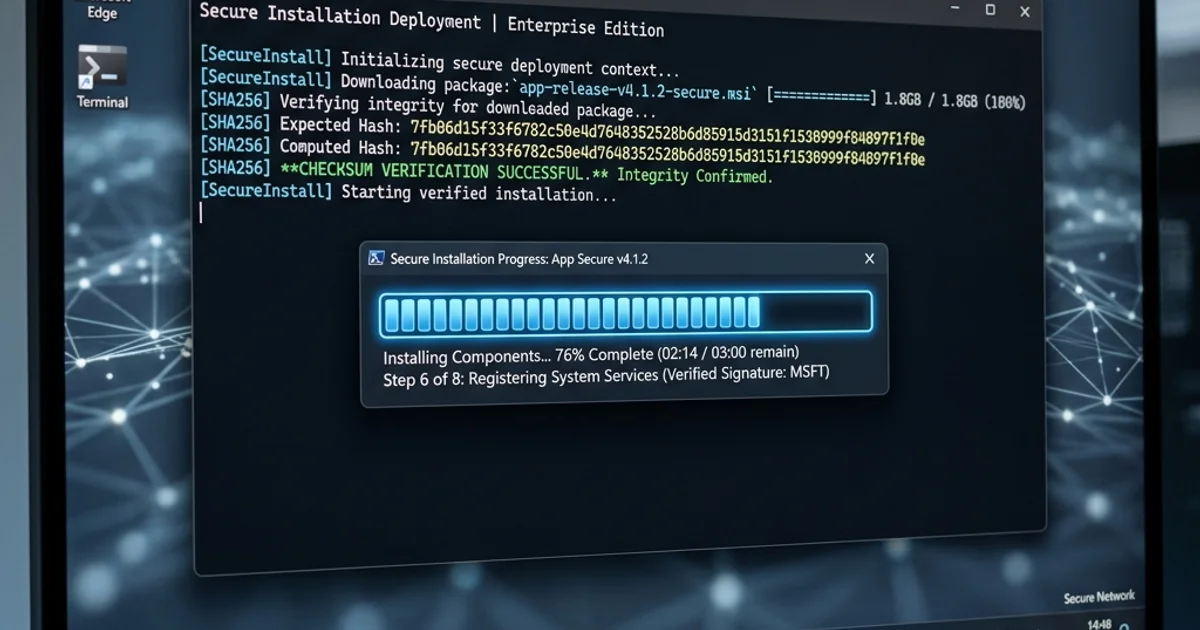
Answer first — Before you let the FRB Windows installer touch a wallet, do three things in order: (1) compute its SHA-256 with Get-FileHash and compare against the value on the Releases page, (2) confirm that the same SHA-256 hash is published on the Download page (both pages must agree), and (3) run simulation mode for at least 30 minutes to confirm the strategy converges before you flip the live switch. Steps 1 and 2 catch supply-chain tampering — someone substituting a modified installer between FRB's build server and your hard drive. Step 3 catches configuration mistakes — wrong RPC, wrong slippage, drifted fee model — before they cost you real ETH. Each step takes less than 5 minutes. Skipping them is the most common cause of avoidable losses on day one.
Why these checks exist
The FRB desktop agent runs locally on your machine. A user's private key is decrypted and signs transactions inside the agent's address space. That model is more secure than a Telegram or web bot in the steady state — your key never leaves your hardware — but it concentrates trust in the binary you're running. If someone successfully swaps a malicious build for the legitimate one, you would import a key into compromised software.
The two verification steps below are how Windows lets you confirm the binary on disk is the one FRB Labs built and signed.
Step 1 — SHA-256 against the published hash
Open PowerShell in the folder containing the downloaded installer:
powershell
Get-FileHash .\FRB-Setup-2.2.0.exe -Algorithm SHA256
(Use the exact filename you downloaded; the version number changes per release.)
Compare the resulting hexadecimal hash against the SHA-256 value listed on /releases for that version. The two strings must match character-for-character. A single different character means the file on disk is not the file FRB published.
If they don't match:
- Don't run the installer.
- Re-download from a fresh browser tab — preferably a different network if you're paranoid.
- If the new download still mismatches, file a vulnerability report — there may be a real supply-chain issue.
Step 2 — SHA-256 hash
In PowerShell, run Get-FileHash .\FrbAgent_install_vr_8.6_20260815.exe -Algorithm SHA256.
Confirm:
- Digest algorithm: SHA256
- The computed hash matches the published value exactly, character-by-character
If the computed SHA-256 does not match the value published on the Download and Releases pages, do not run the installer — re-download from the official URL and check again.
A mismatched hash from a doppelganger domain (anything other than ai-frb.com) is a phishing attempt, not a corrupted download. Report it.
Step 3 — Install, pair, but don't go live yet
Once the binary is verified, install and launch. The agent shows a 6-character PIN. Pair it with the dashboard at /app ("Add bot" → paste PIN). The agent should appear in the dashboard with hostname, region, and uptime.
Now configure RPC and relay endpoints (see the FRB playbook for endpoint selection guidance), but leave the strategy in simulation mode. Don't import a key with funds yet — or if you do, set wallet permissions so it can read but cannot sign.
Step 4 — The simulation gate
Run simulation for 30 minutes (or longer for slower strategies). What you're checking:
- At least 3 winning simulated trades on the same strategy. One isn't enough — could be luck. Three with a < 5% gap between simulated and realised PnL says the model is honest.
- Zero relay errors. No timeouts, no malformed-bundle responses, no builder rejections. If you see any, your relay configuration is wrong, not your strategy.
- No revert reasons you don't recognise. A revert says the on-chain reality differs from your model. Investigate the cause — usually slippage, fee underestimation, or a DEX state change between simulate and would-be-send.
If the simulation isn't clean, do not go live. Tighten the model first.
Step 5 — Tight first-live caps
When the simulation gate passes:
- Per-trade gas budget: 1× the median simulated gas
- Per-session ETH budget: ~$200 USD equivalent or 5× one winning trade
- Slippage cap: 0.5% (lower for stables)
- Public mempool fallback: OFF for the first session
- Reverting-tx-allowed flag: OFF unless the strategy genuinely needs probe-and-retry
The first 50 live bundles are a measurement run, not a money-making run. You're confirming that real-world inclusion latency, real-world relay behaviour, and real-world fee dynamics match what the simulator showed you. If they do, scale up in 25% increments. If they don't, drop back to simulation and find the model bug.
What this whole checklist isn't
It isn't a guarantee. A SHA-256-verified binary verified against a published SHA-256 only tells you the file is what FRB built — not that FRB's build is correct, that your network isn't intercepted, or that your strategy is profitable. It removes one specific class of risk: tampering between build and run. The other risks need their own controls.
For the broader risk picture see Risk management for MEV trading bots and Crypto trading bot security best practices 2026.
Advanced Verification: OS-Level Process Inspection
For users who want the strongest possible assurance beyond SHA-256 and SHA-256, Sysinternals Process Monitor provides OS-level confirmation of what FRB Agent actually does at runtime:
What to check with Process Monitor:
- Filter by
Process Name = FRB.exeand watch file system events. FRB should read from%APPDATA%\FRB\(encrypted key storage) and nowhere else for key operations. Any key file access outside this path is unexpected. - Watch network events. FRB should only create TCP connections to known Flashbots, Jito, and RPC endpoints (documented in FRB's transparency page at
/trust). Any unexpected outbound connections to unrecognized IPs warrant investigation. - Watch for
CryptUnprotectDataAPI calls in the Process Monitor API event log. This is the Windows DPAPI function used to decrypt your key in-memory. You should see it called when you initiate a transaction and not at other times.
Using Wireshark for network-level verification: Capture FRB's outbound traffic and verify all destination IPs match known provider ASNs (Flashbots uses Cloudflare IPs; Jito uses AWS US-East; major RPC providers use their documented IP ranges). No traffic should flow to unrecognized consumer ISP or residential IP addresses.
These steps are optional but provide the most rigorous independent verification that FRB Agent behaves exactly as documented.
References
Related Articles
Further reading & tools
Discussion
No notes yet. Add the first observation, or share the link with your team on X (@MCFRB).