Safe start journey
Go from trial to live telemetry in 4 steps
Next recommended step
Download agent
Grab the signed Windows installer & verify SHA‑256.
We track progress locally so you can pick up where you left off.
Already completed everything? Open the dashboard and start assigning node clients. Your trial unlocks Ops Pulse, Logs, and Alerts automatically.
FRB Download
FRB download center for MEV bot installs on Windows
Use this FRB download center to complete the MEV bot download windows workflow: grab the signed ISO, verify hashes, and document every check before you proceed.
Linkable summary
Download summary
FRB’s download center lists the current Windows build, SHA‑256 hash, and Authenticode signature so newsrooms and tool directories can point to one authoritative installer link.
Download signed ISO
Use the official Dropbox mirror for v6.7.0 (no Telegram mirrors).
Verify SHA-256 + signature
Match v6.7.0 against the published hash and confirm the Authenticode signature.
Mount, copy, install
Mount the ISO, copy files to C:\FRB, and complete setup before pairing.
- Signed installer with published SHA‑256.
- No Telegram mirrors or shared wallets.
- Refund guard active during the 7-day demo.
FRB for Windows
Latest release details, integrity checks, and safety notes.
b3f1d1b7c6a84d9e1f4c8e3b2a9f0d7c2a1b4e5c6d7e8f9a0b1c2d3e4f5a6b7cDetected OS: Windows
Having trouble? Use the direct mirror.
What you receive
- Signed Windows tray agent with auto-updates disabled by default.
- Node pairing flow that keeps keys on your machine; FRB never touches them.
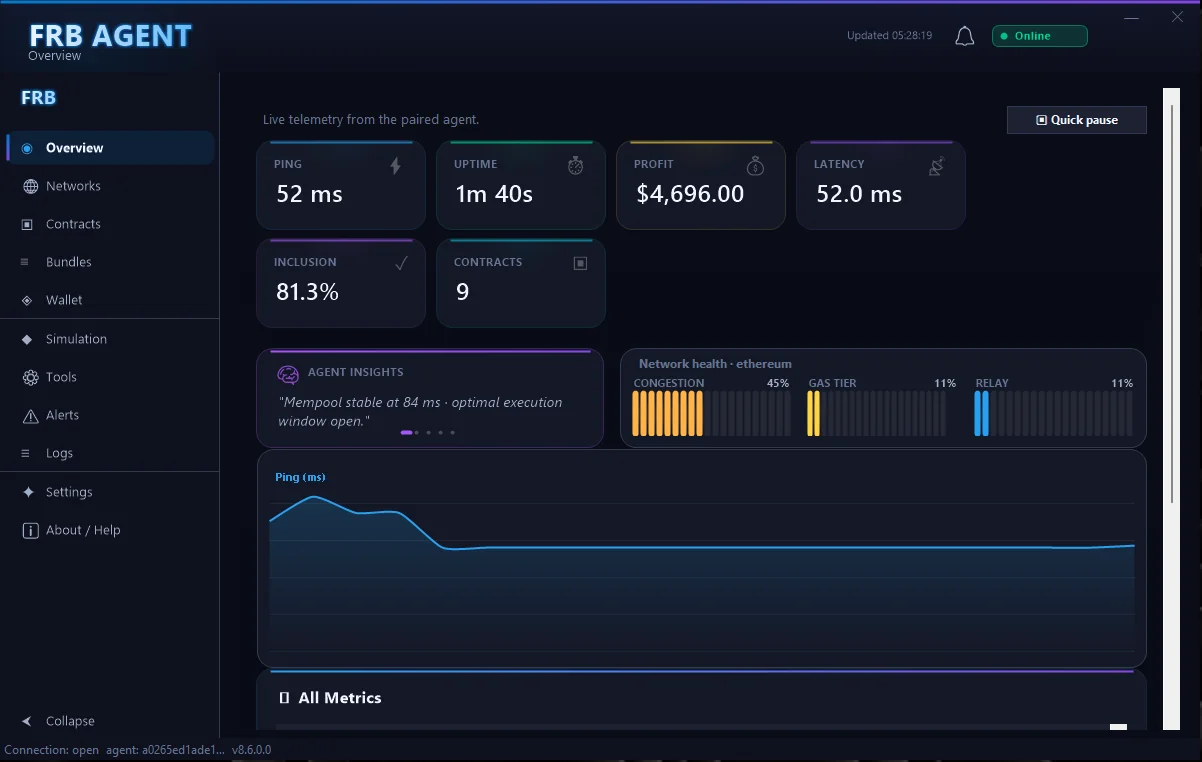
- Built-in health telemetry and refund guard controls tied to your dashboard account.
Use the free trial window to validate endpoints, install updates, and rehearse uninstall steps so audits go smoothly.
Release highlights
- v6.7.0: Adds multi-relay fallback, updated refund guard UI, and improved Ops Pulse export formats.
- Security: Authenticode certificate renewed through 2026; hashes published on /releases.
- Telemetry: New toggle to redact counterparty metadata when running in air-gapped/extra-sensitive environments.
Older builds remain available on request, but we recommend staying within two versions of the latest release.
Verification
- Compute SHA‑256 and compare with the value above.
- Confirm Windows SmartScreen shows a valid publisher signature.
Note: if SmartScreen flags the file during the initial rollout, verify checksum and signature before proceeding.
System requirements
- Windows 10/11, 64‑bit
- 8 GB RAM, modern multi‑core CPU
- Stable broadband internet; reliable RPC/WSS endpoints recommended
Offline / air-gapped verification
- Download the ISO + SHA-256 text file on a connected machine.
- Transfer via encrypted USB (BitLocker/veracrypt). Log the transfer in your change record.
- On the air-gapped host, run
CertUtil -hashfile MultiChainFront.iso SHA256and compare locally. - Use
Get-AuthenticodeSignature .\MultiChainFrontAgent.exeto confirm publisher details offline. - After installation, pair via PIN using your secure workstation; no secrets ever cross the gap.
Need a SHA-256 mirror or PGP signature? Email support and mention “air-gapped install”.
Safety
- Never share private keys or seed phrases. FRB does not request them.
- Start with simulation/canary sizes; set slippage and budget caps.
- Prefer private bundles (Flashbots) when available.
After Downloading
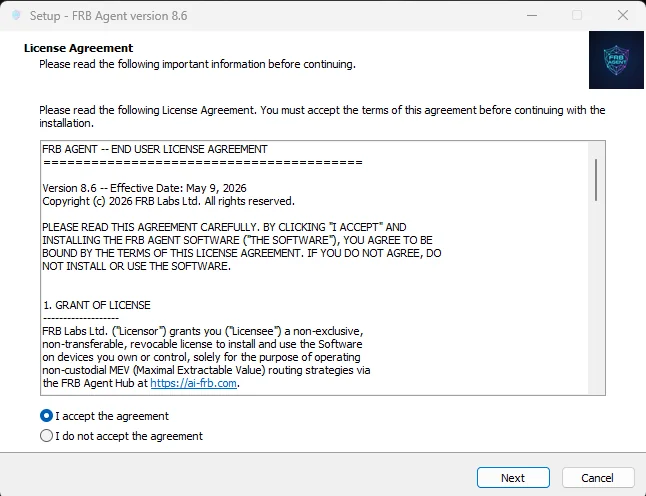
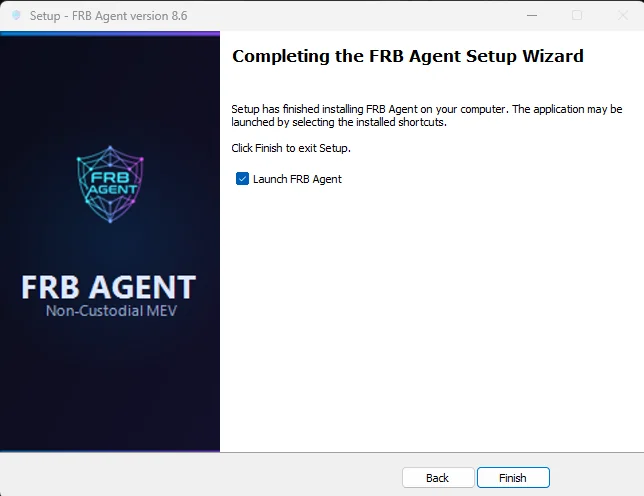
- Install the agent, launch it, and leave the pairing screen open.
- Copy the 6-character PIN shown inside the Windows app.
- In the dashboard (/app), click Add Agent and paste the PIN.
- Assign a contract and approve the wallet signature when prompted. Funding + telemetry appear instantly.
This replaces the legacy Telegram bot flow—everything now happens inside the dashboard and Windows tray agent.
Troubleshooting matrix
| Symptom | Likely cause | Fix |
|---|---|---|
| Download stalls at 99% | Corporate proxy / AV scanning ISO | Pause AV temporarily or use direct mirror + checksum verification. |
| SmartScreen warning | Windows reputation delay after new release | Verify SHA-256 + signature, then click “Run anyway”. If mismatch, stop and open a ticket. |
| PIN not showing | Agent blocked by firewall or service stopped | Allow FRB Agent through firewall, restart the service, and re-open the tray icon. |
FAQ
What if SmartScreen warns me?
Verify the SHA‑256 hash plus publisher signature. If they match, you can proceed; otherwise, stop and contact support.
Can I install on multiple machines?
Yes. Each installation generates a unique PIN; pair every node inside the dashboard for tracking.
Need Linux/macOS?
Use a Windows VM or dedicated mini PC. Native builds are on the roadmap—follow /releases for updates.
Ready to grab the installer?
Click once to start the secure Windows download, then verify and pair the agent inside /app.
Prefer to revisit the steps? Open the install guide