Are Crypto Trading Bots Safe? Security Guide…
**Answer first** — No trading bot is universally safe. Evaluate where keys are created and stored, what permissions are granted, how releases are verified, which external services
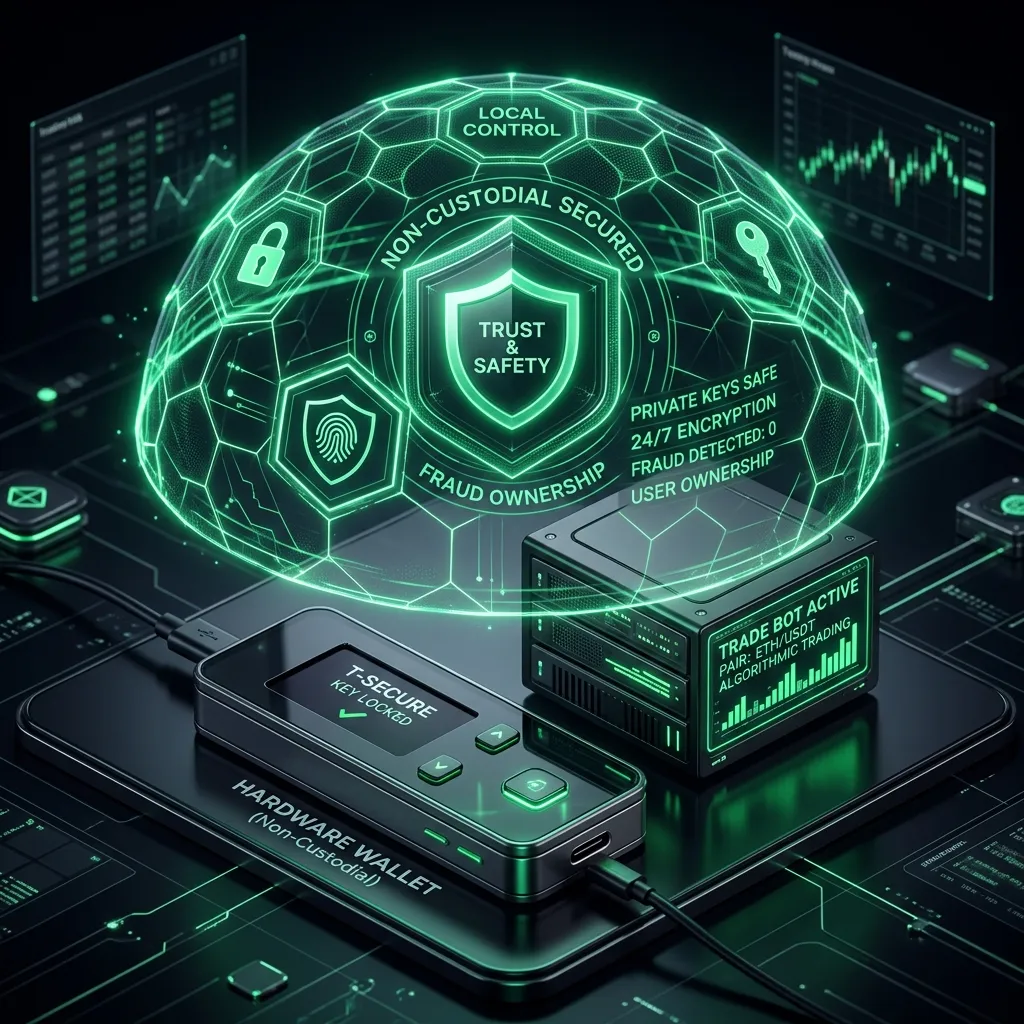
Answer first — No trading bot is universally safe. Evaluate where keys are created and stored, what permissions are granted, how releases are verified, which external services receive data, and how access can be revoked. FRB documents its current local-signing boundary and release checksum on the Security and Releases pages; operators remain responsible for the device, wallet, configuration, and external providers.
The Real Risks of Crypto Trading Bots
Risk 1: Custodial Key Exposure
The #1 risk isn't market volatility — it's who controls your keys.
| Bot Type | Key Location | Hack Risk | Examples |
|---|---|---|---|
| Cloud Bot | Provider's server | 🔴 High | 3Commas, Bitsgap |
| Telegram Bot | Bot's infrastructure | 🔴 High | Maestro, BONKbot |
| DEX Frontend | Your browser wallet | 🟡 Medium | Uniswap, Jupiter |
| Local Agent | Your machine only | 🟢 Low | FRB Agent |
Risk 2: Smart Contract Exploits
On-chain bots interact with DEX smart contracts. If a contract has a vulnerability, your approved tokens can be drained. Always revoke unlimited token approvals after trading.
Risk 3: MEV Attacks
If your bot submits transactions to the public mempool, MEV searchers can:
- Sandwich your trades — buy before, sell after, extracting value
- Front-run your swaps — copy your trade with higher priority
- Solution: Use private relay submission (FRB Agent routes through Flashbots/Jito)
Risk 4: Rug Pulls & Exit Scams
Some "bot" services are designed to steal funds. Red flags:
- Guaranteed daily returns
- Anonymous team
- No verifiable code or audits
- Requires large upfront deposits
Historical Crypto Bot Security Incidents
| Year | Incident | Impact |
|---|---|---|
| 2022 | 3Commas API key leak | Millions in unauthorized trades |
| 2023 | Multiple Telegram bot compromises | Wallets drained |
| 2024 | Banana Gun bot exploit | User funds stolen |
| 2025 | Various copycat bot scams | Phishing + fund theft |
These incidents share a common factor: the bot provider had access to user keys or API credentials.
The Security Checklist
Before trusting any crypto bot with your capital, verify:
✅ 1. Key Custody Model
Ask: "Does this bot ever have access to my private key?"
- Cloud bots: Yes (API keys) → 🔴 Risk
- Telegram bots: Yes (imported key) → 🔴 Risk
- FRB Agent: No (local only) → 🟢 Safe
✅ 2. Code Verification
Ask: "Is the software signed and verifiable?"
- Check for SHA-256 hashes (Windows)
- Verify SHA-256 checksums
- FRB provides both — published SHA-256 checksums + published checksums
✅ 3. Transaction Routing
Ask: "Are my trades visible in the public mempool?"
- Public mempool: Vulnerable to sandwich attacks → 🔴
- Private relay (Flashbots/Jito): Hidden from MEV bots → 🟢
- FRB Agent routes through private relays by default
✅ 4. Team & Transparency
Ask: "Can I verify who built this?"
- Anonymous team with no track record → 🔴
- Published security documentation → 🟢
- FRB publishes trust verification at /trust
✅ 5. Revenue Model
Ask: "How does this bot make money?"
- Upfront payments + no results guarantee → 🔴
- Success-based fees (FRB: 20% of net profitable executed trades) → 🟢
- Free "forever" with no explanation → 🔴 Suspicious
How to Use Crypto Bots Safely
Rule 1: Use Dedicated Wallets
Never connect your main holdings wallet to any bot. Create a separate wallet with only the capital you're willing to risk.
Rule 2: Start with Simulation
Legitimate bots offer paper trading or simulation. FRB Agent includes built-in Anvil fork simulation — test against live chain state without using live capital.
Rule 3: Verify Before You Trust
- Check FRB's SHA-256 hash
- Compare SHA-256 checksums against published values
- Download only from official sources
Rule 4: Use Non-Custodial Solutions
For any capital over $500, use a non-custodial bot where your keys never leave your hardware.
Rule 5: Set Hard Limits
Configure maximum loss limits, gas caps, and slippage tolerances before going live.
Custody Models Compared
| Model | Description | Your Risk | Examples |
|---|---|---|---|
| Custodial | Service holds your keys/API | If hacked, funds lost | 3Commas, Bitsgap |
| Semi-Custodial | Import key into bot | If bot compromised, key exposed | Maestro, BONKbot |
| Non-Custodial | Keys on your machine only | Only local hardware compromise | FRB Agent |
FRB Agent Security Architecture
FRB Agent was designed with security as the foundational principle:
- Non-Custodial: Private keys stored in local encrypted storage, never transmitted
- SHA-256 Verified: build verification flow
- SHA-256 Verified: Every release has published checksums at /trust
- Private Relay: All transactions route through Flashbots/Jito — invisible to public mempool
- Local Execution: All strategy logic runs on your machine — zero server dependency
- Audit Trail: Complete local logs of every transaction and decision
[!TIP] You can verify FRB Agent's integrity by running Get-FileHash on the .exe and comparing the SHA-256 with the value published on the Download page. This confirms the file hasn't been tampered with.
FAQ
Q: Is FRB Agent safe? A: Yes. FRB is non-custodial (keys never leave your machine), SHA-256-verified, and routes through private relays. Verify at /trust.
Q: Can a crypto bot steal my money? A: A custodial or semi-custodial bot (cloud or Telegram) can be compromised. Non-custodial bots like FRB Agent physically cannot access your keys.
Q: What's the safest crypto trading bot? A: There is no universal safest product. Compare custody, permissions, release provenance, network dependencies, incident controls, and the exact workflow you intend to operate.
Year-Round Safety Habits
One-time verification is not enough. Threats and platform conditions change, so safety requires ongoing habits:
- Quarterly: Review and revoke unnecessary token approvals from your trading wallet. Use Revoke.cash or Etherscan's Token Approvals page — stale approvals accumulate silently and create a standing drain risk.
- After any bot update: Re-verify the SHA-256 hash before running the new version. An update is when a compromised binary could be introduced.
- Before any high-activity market period: Reduce active balances on custodial bots — new token launches and bull-run activity are peak honeypot windows where platform risk increases alongside opportunity.
- If you receive an unexpected DM claiming to be support: Never follow setup links from Telegram or Discord DMs, even from apparent team accounts. Official setup always flows through the official website.
- After a negative news event on a platform: Withdraw immediately rather than waiting for clarity. Custodial risk is asymmetric — a small delay in withdrawing costs nothing; failing to withdraw during a compromise costs everything.
The pattern across all major historical crypto bot incidents is the same: the losses happened because funds were left on a custodial platform longer than necessary. A non-custodial tool like FRB Agent removes the withdrawal-timing problem entirely — there is no withdrawal needed because the keys never left your machine.
References
Related Articles
Further reading & tools
Discussion
No notes yet. Add the first observation, or share the link with your team on X (@MCFRB).