FRB Agent
For Windows — Non-Custodial MEV Execution
Download FRB Agent for Windows. Choose your workflow, verify the file, then follow the installation and pairing steps.
Choose your network workflow
Both workflows use the Windows installer. Your choice selects the setup instructions and dashboard.
Windows 10/11 (64-bit) · .NET Framework 4.8
SHA-256 checksum published. Verify the downloaded file on your computer before running it.
Windows 10/11 (64-bit) · .NET Framework 4.8
Safe start journey
Go from trial to live telemetry in 4 steps
- 1NowDownload agentDownload the Windows installer and verify its published SHA-256.
- 2NextInstall and openRun the installer, then open FRB Agent and wait for the pairing PIN.
- 3NextPair deviceEnter the 6-character PIN in the correct chain dashboard.
- 4NextLaunch dashboardOpen the matching dashboard and confirm the agent connection before using an execution route.
Transparency Proofs
Every release ships with a published SHA-256 hash. Verify before you run.
Before You Download
- Verify the installer SHA-256 against the published checksum before opening it.
- Confirm Windows requirements and review the installed release options.
- Use the matching EVM or Solana dashboard to pair your agent.
- Keep antivirus and endpoint protection enabled.
Verify Before Run
Every release ships with a published SHA-256 hash. Verify before you run.
Get-FileHash "$env:USERPROFILE\Downloads\FrbAgent_install_vr_8.6_20260815.exe" -Algorithm SHA256Hash Published
fdd145138e592e16134c76af52d2f8ba4ca40a072c23b730b72b555b8f98ba58Run this locally in PowerShell on Windows 10/11. Compare the result with the official SHA-256 before opening the installer.
Inside the Agent
A Windows desktop application that still depends on configured network, RPC, relay, update, and support services.
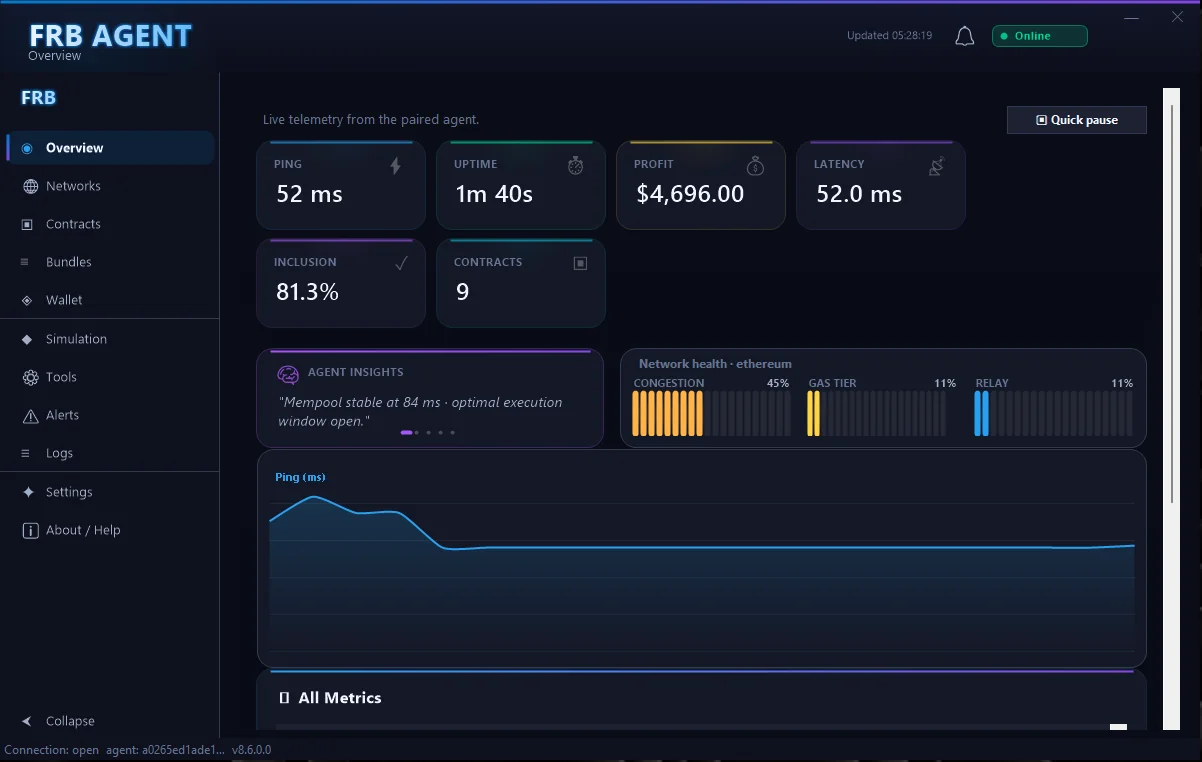
Main dashboard showing active strategies, PnL snapshot, and relay status.
"Your keys. Your machine. Your trade."
FRB Agent runs entirely on your Windows hardware. Private keys are stored locally and never transmitted. Bundle submission routes through public Flashbots infrastructure, not FRB servers.
Installation Walkthrough
Two steps from download to dashboard pairing.
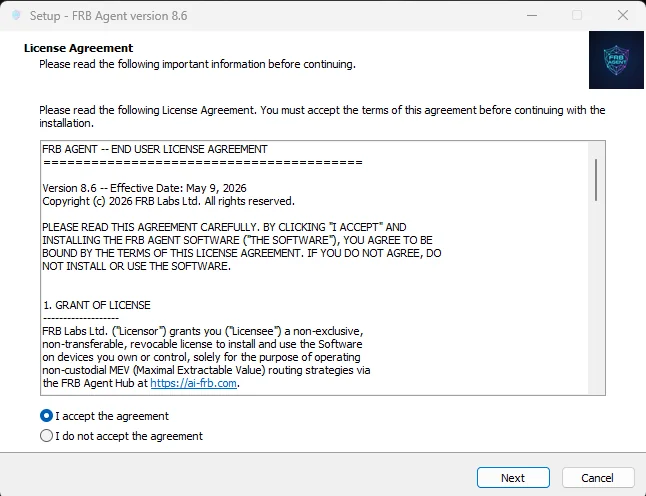
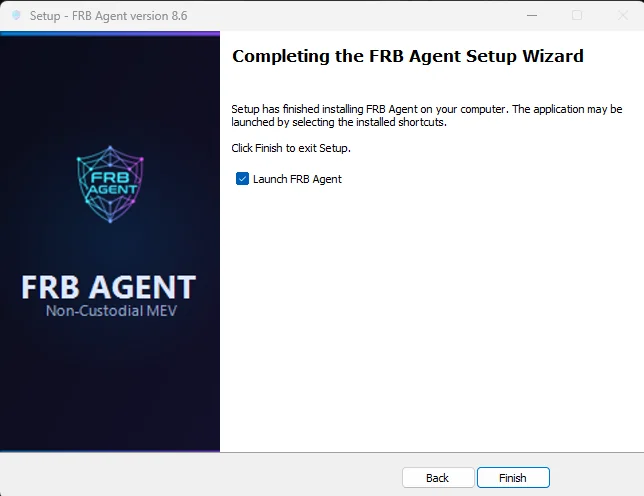
Requirements
- • Windows 10 or 11 (x64)
- • .NET Framework 4.8
- • 4 GB RAM minimum
- • Stable internet connection
What's Installed
- • FRB Agent desktop application
- • Agave Runtime (.NET 4.8)
- • Local key vault module
- • Flashbots bundle router
Air-Gap Option
Need to run without internet access? Contact us for offline deployment guidance.
Request air-gap docs →After downloading, continue with the installation and pairing guide.