FRB Agent
For Windows — Non-Custodial MEV Execution
Turn trading instructions into structured workflows with AI chat and agents. Coordinate wallets, token operations and private bundles across EVM and Solana from your Windows workspace. Review the plan, set your limits and approve local execution.
See the AI-to-Execution WorkflowChoose your network workflow
Both workflows use the Windows installer. Your choice selects the setup instructions and dashboard.
SHA-256 checksum published. Verify the downloaded file on your computer before running it.
Windows 10/11 (64-bit) · .NET Framework 4.8
The Windows download has no required subscription. A 20% fee applies to qualifying net profitable executions where the fee logic applies. Gas, slippage, failed transactions and market losses remain possible.
PricingSafe start journey
Your setup checklist
This checklist records navigation on this device. It does not verify installation, an agent connection or a completed transaction.
- 1NowDownload agentDownload the Windows installer and verify its published SHA-256.
- 2NextInstall and openRun the installer, then open FRB Agent and wait for the pairing PIN.
- 3NextPair deviceEnter the 6-character PIN in the correct chain dashboard.
- 4NextLaunch dashboardOpen the matching dashboard and confirm the agent connection before using an execution route.
Transparency Proofs
Every release ships with a published SHA-256 hash. Verify before you run.
Before You Download
- Verify the installer SHA-256 against the published checksum before opening it.
- Confirm Windows requirements and review the installed release options.
- Use the matching EVM or Solana dashboard to pair your agent.
- Keep antivirus and endpoint protection enabled.
Verify Before Run
Every release ships with a published SHA-256 hash. Verify before you run.
Get-FileHash "$env:USERPROFILE\Downloads\FrbAgent_install_vr_8.6.exe" -Algorithm SHA256Hash Published
3fcec860272e137df8237c7af3b07d78ba66a5d1a5589d03b844cac00946956cRun this locally in PowerShell on Windows 10/11. Compare the result with the official SHA-256 before opening the installer.
Inside the Agent
A Windows desktop application that still depends on configured network, RPC, relay, update, and support services.
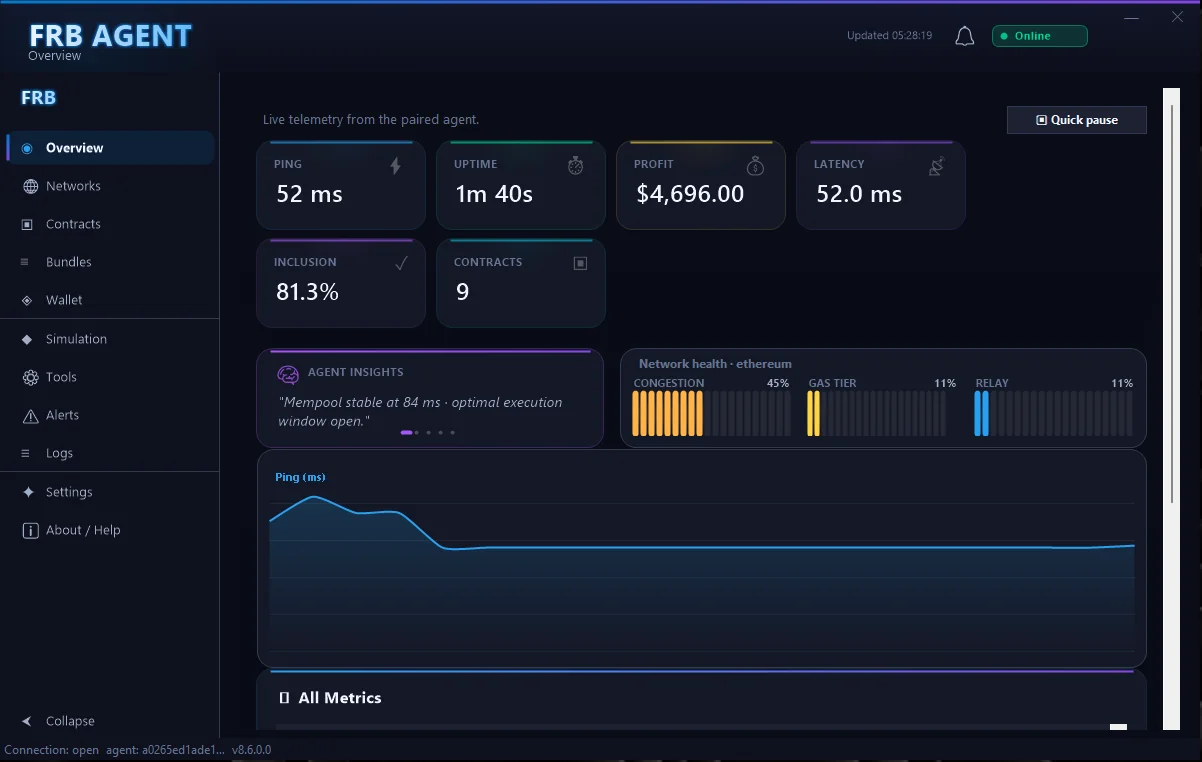
Main dashboard showing active strategies, PnL snapshot, and relay status.
Workspace screenshot with sensitive values redacted. Displayed values are not evidence of returns or a live connection.
A published SHA-256 lets you compare your file with the release. It is not a security audit or a publisher signature. The v8.6 installer is not code-signed.
"Your keys. Your machine. Your trade."
A Windows workspace for private bundles, multi-wallet operations and local execution across EVM and Solana workflows.
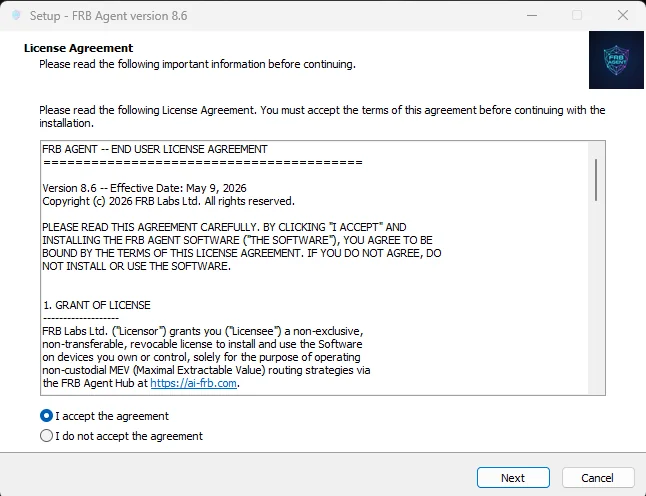
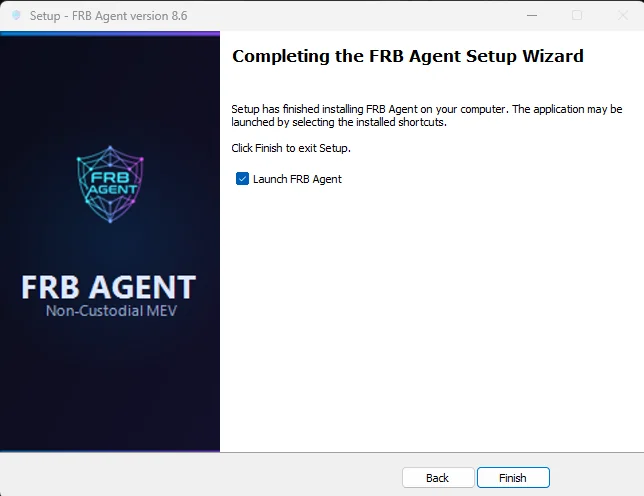
Installation Walkthrough
Two steps from download to dashboard pairing.
Requirements
- • Windows 10/11 (64-bit) · .NET Framework 4.8
- • Execution depends on network access and configured providers. Contact support about your deployment requirements before relying on an offline workflow.
Get Started with FRB
- • Download the Windows installer
- • Verify and install
- • Connect your agent
- • Configure and review the operation
Check your setup requirements
Execution depends on network access and configured providers. Contact support about your deployment requirements before relying on an offline workflow.
SupportAfter downloading, continue with the installation and pairing guide.