Контрольный список разрешений для крипто-бота:…
**Краткий ответ**. Бот для торговли криптовалютой никогда не должен запрашивать вашу исходную фразу, не должен требовать наличия вашего основного кошелька и не должен нуждаться в н
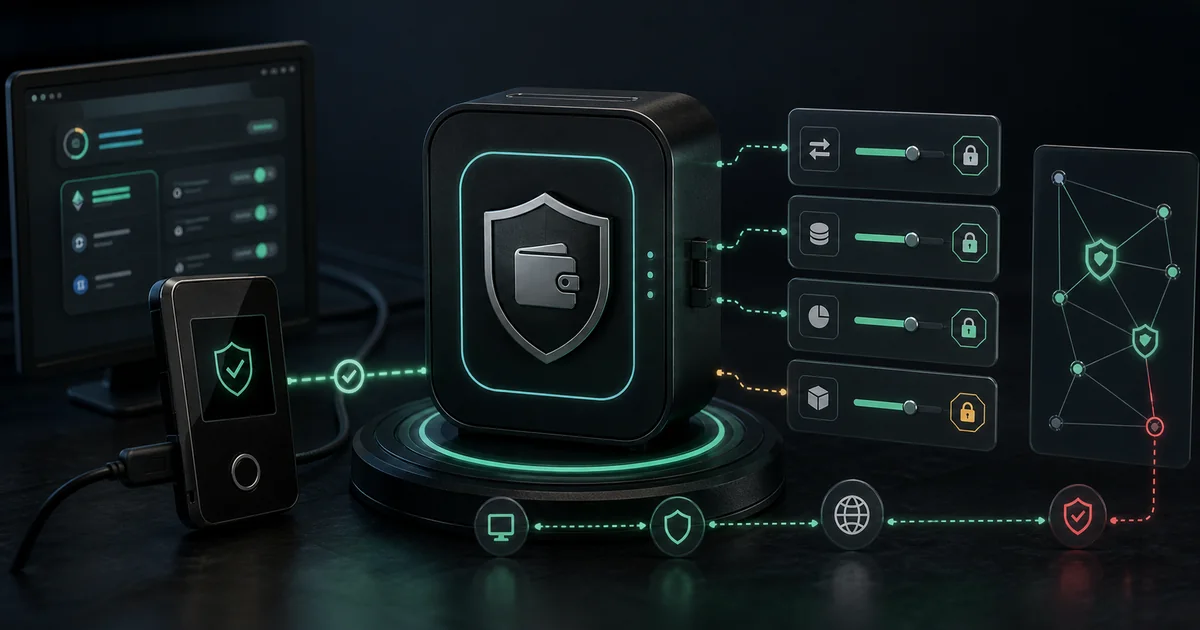
Краткий ответ. Бот для торговли криптовалютой никогда не должен запрашивать вашу исходную фразу, не должен требовать наличия вашего основного кошелька и не должен нуждаться в неограниченных полномочиях над каждым вашим токеном. Безопасное использование ботов начинается с выделенного кошелька, ограниченных разрешений, локальной подписи, где это возможно, режима моделирования и четкого плана остановки. FRB спроектирован на основе ключей, контролируемых пользователем, но пользователям по-прежнему необходима строгая гигиена разрешений.
Риск крипто-бота часто начинается еще до первой сделки. Опасный момент не только в том, чтобы «вступить в жизнь»; это первый раз, когда пользователь предоставляет разрешение, которое он не понимает.
Типы разрешений, которые нужно понять
| Разрешение | Что это позволяет | Уровень риска | Безопасная привычка |
|---|---|---|---|
| Начальная фраза | Полное восстановление кошелька | Критический | Никогда не делитесь этим. |
| Импорт закрытого ключа | Полный контроль над одним аккаунтом | Высокий | Используйте только специальный торговый кошелек. |
| Утверждение токена | Контракт может переместить токен до предела | От среднего до высокого | Используйте ограниченные утверждения и отзывайте устаревшие. |
| Сессионный ключ | Временное или ограниченное подписание | Средний | Подтвердите область действия, срок действия и путь отзыва. |
| Адрес только для чтения | Просмотр портфеля или баланса | Низкий | Безопасно для информационных панелей, но при этом следите за конфиденциальностью. |
| Торговый ключ CEX API | Можно размещать заявки на обмен | Средний | Отключите вывод средств и ограничьте IP-адреса. |
| Ключ вывода CEX API | Можно переместить средства | Критический | Не предоставлять торговым ботам. |
Более безопасный шаблон — минимальные привилегии: предоставьте инструменту только минимальный доступ, необходимый для конкретного рабочего процесса.
Критические красные флажки
Уйдите или сделайте паузу, если бот просит:
- Ваша исходная фраза.
- Скриншот вашего кошелька.
- Доступ к удаленному рабочему столу для «завершения настройки».
- Неограниченные разрешения на вывод средств с CEX.
- Закрытый ключ для вашего основного кошелька.
- Слепая подпись без читаемой имитации транзакции.
- Ссылка в Директ вместо официального сайта.
- Утверждение контракта, которое вы не можете идентифицировать.
Для некоторых законных рабочих процессов требуется выделенный горячий кошелек. Этот кошелек должен финансироваться только за счет суммы, которую вы намеренно выделяете на исполнение, а не за счет долгосрочных активов.
Что следует проверить пользователям FRB
Позиция доверия FRB по своей сути не является кастодиальной, но это не снимает ответственности со стороны пользователя. Перед живым исполнением:
- Скачивайте только с официальной страницы загрузки.
- Проверьте сборку с помощью Проверка доверия и Релизы.
- Используйте выделенный кошелек для торговых операций.
- Запустите Режим моделирования.
- Установите лимиты на сделку, стратегию и ежедневные лимиты исполнения.
- Держите свой кошелек для основных сбережений отдельно.
- Отменить одобрение устаревших токенов после тестирования.
Если процесс настройки кажется спешным, остановитесь. Законный торговый процесс может подождать проверки.
Ограниченные одобрения превосходят неограниченные одобрения
Маршрутизаторы DeFi часто запрашивают одобрение токенов. Рискованный вариант — одобрение на очень большую или неограниченную сумму. Это одобрение может оставаться активным после первоначальной сделки, а скомпрометированный или злонамеренный контракт может впоследствии злоупотребить им.
Лучшие привычки:
- Утвердите только тот токен, который необходим для стратегии.
- Утвердите только ожидаемый размер плюс небольшой рабочий буфер.
- Отменить одобрение после изменения стратегии или маршрутизатора.
- Еженедельно просматривайте одобрения для активных кошельков.
- Не используйте повторно один и тот же кошелек в экспериментальных протоколах.
Утверждения — это не то же самое, что хранение, но они все равно могут создать путь утечки.
Выделенные кошельки не являются обязательными.
Для MEV и высокочастотных рабочих процессов DeFi разделите кошельки по ролям:
| кошелек | Цель | Рекомендуемая экспозиция |
|---|---|---|
| Основной холодный кошелек | Долгосрочные холдинги | Никаких подключений к ботам. |
| Финансирование кошелька | Переводит бюджет в торговый кошелек | Ограниченное взаимодействие. |
| Торговый кошелек | Подписывает транзакции ботов | Только стратегия капитала. |
| Тестовый кошелек | Моделирование и пробная проверка | Минимальные или отсутствующие живые средства. |
Благодаря этому ошибка в одном рабочем процессе не повлияет на весь портфель.
Контрольный список проверки разрешений
Перед живым исполнением спросите:
- Запрашивает ли инструмент начальную фразу? Если да, остановитесь.
- Могу ли я проверить сборку или исходный код?
- Могу ли я сначала работать без живого капитала?
- Могу ли я ограничить размер сделки?
- Могу ли я ограничить ежедневное выполнение?
- Могу ли я идентифицировать каждый утвержденный контракт?
- Могу ли я быстро отозвать или повернуть кошелек?
- Публикует ли поставщик информацию о рисках?
Правильный ответ – не «доверьтесь нам». Правильный ответ — это процесс, который вы можете проверить.
Что пойдет не так без этих проверок: закономерности инцидентов
Наиболее распространенные ошибки разрешений следуют предсказуемым закономерностям. Распознать их заранее дешевле, чем изучать на живом капитале.
Неограниченное одобрение остается активным после изменения стратегии. Трейдер одобряет USDT для маршрутизатора Uniswap V3 во время тестирования, меняет стратегию и забывает отозвать одобрение. Шесть месяцев спустя контракт маршрутизатора был обновлен, и в новой реализации появилась критическая ошибка. Кошелек трейдера истощается из-за просроченного одобрения, хотя он не использовал эту стратегию уже несколько месяцев. Отменяйте одобрения при любом изменении стратегии, а не только в конце сеанса.
Для запуска высокого давления используется неправильный кошелек. Трейдер подключает свой основной кошелек к быстрому запуску нового токена, потому что этот кошелек уже открыт. Запуск включает в себя вредоносный контракт, который запускает transferFrom с использованием ранее предоставленного неограниченного разрешения. Основной кошелек теряет активы, которые не были частью предполагаемой сделки. Исправлением всегда является специальный кошелек для снайперов, предварительно финансируемый только для предполагаемого размера сеанса.
Раскрытие ключа во время разговоров «поддержки». Агент Telegram, утверждающий, что представляет законную торговую платформу, просит пользователя «вставить свой закрытый ключ в этот инструмент, чтобы проверить конфигурацию». Каждый законный инструмент использует подключение к кошельку, протокол WalletConnect или потоки сопряжения, а не вставку необработанного ключа. Рассматривайте любого DM, запрашивающего ключевой материал, как атаку, независимо от заявленной личности.
График рассмотрения разрешений
Разрешения, установленные правильно при создании учетной записи, со временем меняются. График проверки предотвращает накопление молчаливого воздействия:
| Сроки | Действие |
|---|---|
| Перед каждой прямой трансляцией | Подтвердите, что активный кошелек является специализированным торговым кошельком, а не основным кошельком для хранения |
| После каждого изменения стратегии | Отозвать одобрение любого контракта, который больше не используется |
| Еженедельно (активные кошельки) | Просмотрите все одобрения открытых токенов через панель отзыва (Revoke.cash, Утверждения токенов Etherscan) |
| Ежемесячно | Подтвердите, что балансы выделенных кошельков соответствуют предполагаемому бюджету рисков, а не случайно выращены из накопленной прибыли |
| После любого обновления платформы | Перед запуском обновленной версии перечитайте журнал изменений, чтобы узнать об изменениях модели хранения или разрешений |
Самые дорогостоящие ошибки в разрешениях — это те, которые накапливаются незаметно — старое одобрение, кошелек, использованный один раз в разных контекстах, ротация ключей, которая так и не была завершена.
Внутренние ссылки для более безопасной настройки
- Проверка доверия FRB
- Модель безопасности
- Раскрытие информации о рисках
- Гигиена кошелька для трейдеров MEV
- Лучшие методы обеспечения безопасности криптоторговых ботов
- Программа установки Windows: проверьте SHA-256 и начните с моделирования
Призыв к действию: просмотрите модель безопасности и проверьте сборку перед импортом или пополнением любого торгового кошелька.
Эта статья носит образовательный, а не финансовый совет. Программное обеспечение, некастодиальное, снижает риск хранения, но пользователи по-прежнему контролируют гигиену кошелька, утверждения, ограничения и решения о реальном исполнении.
Frequently asked questions
Should a crypto trading bot ask for my seed phrase?
No. Treat any request for a seed phrase as a critical red flag. A non-custodial tool should work with user-controlled keys, local signing, wallet approvals, or scoped permissions without asking for the recovery phrase.
Are token approvals safe?
Token approvals are normal in DeFi, but unlimited approvals create standing risk. Use bounded approvals where possible, revoke stale approvals, and avoid approving unfamiliar routers or contracts.
What is the safest way to test bot permissions?
Use a dedicated wallet, small limits, simulation mode, and a clean allowlist of contracts. Do not connect your main holdings wallet to a trading automation workflow.
Похожие статьи
Дальнейшее чтение и инструменты
Обсуждение
Примечаний пока нет. Добавьте первое наблюдение или поделитесь ссылкой со своей командой на X (@MCFRB).