2
Stage 2 of 4
Deploy your FRB contract template
Pick the audited template, confirm gas guardrails, and push it to your preferred chain without leaving custody.
Wallet stays in your browser — FRB only interacts via the signed contract + routing controls.
Status
Draft Mode
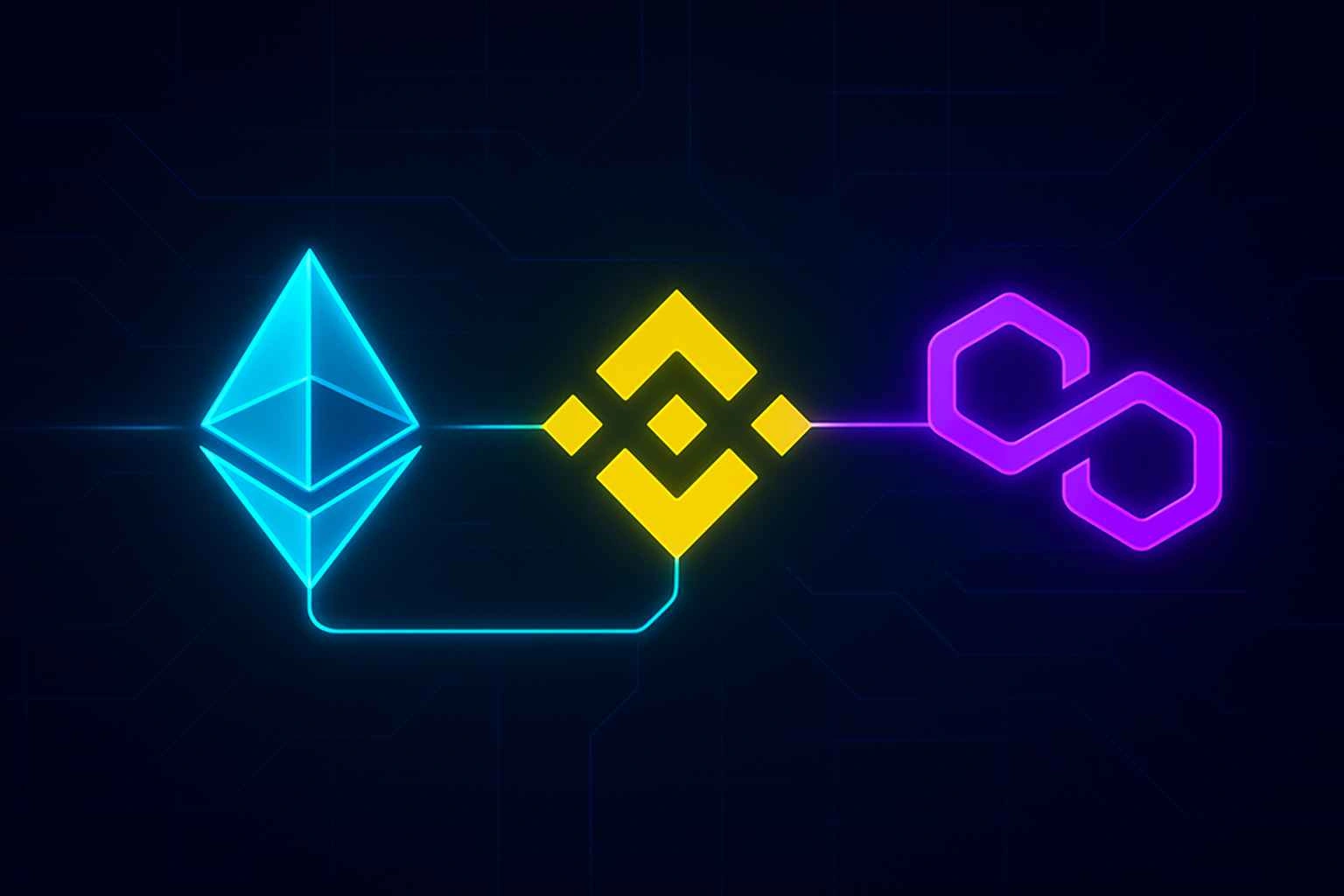
Supported High-Lqd Networks

Ethereum

BNB Chain

Polygon
01
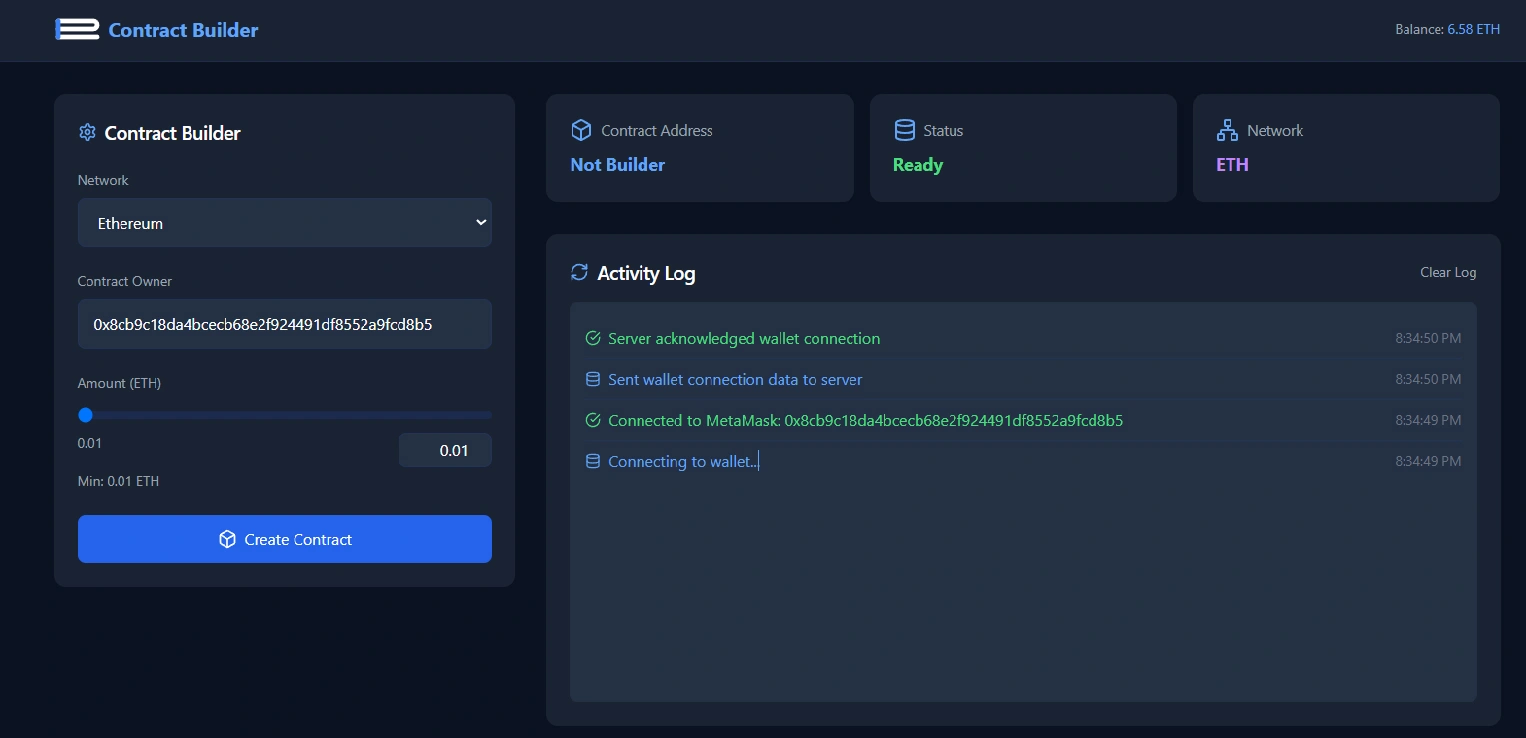
Initialize Deployment
Choose the optimized FRB template. Parameters are pre-signed to prevent MEV-sandwiching during deployment itself.
02
Network Selection
Switch between chains via the dashboard. FRB maintains state across all L2s to optimize cross-chain arbitrage.
03
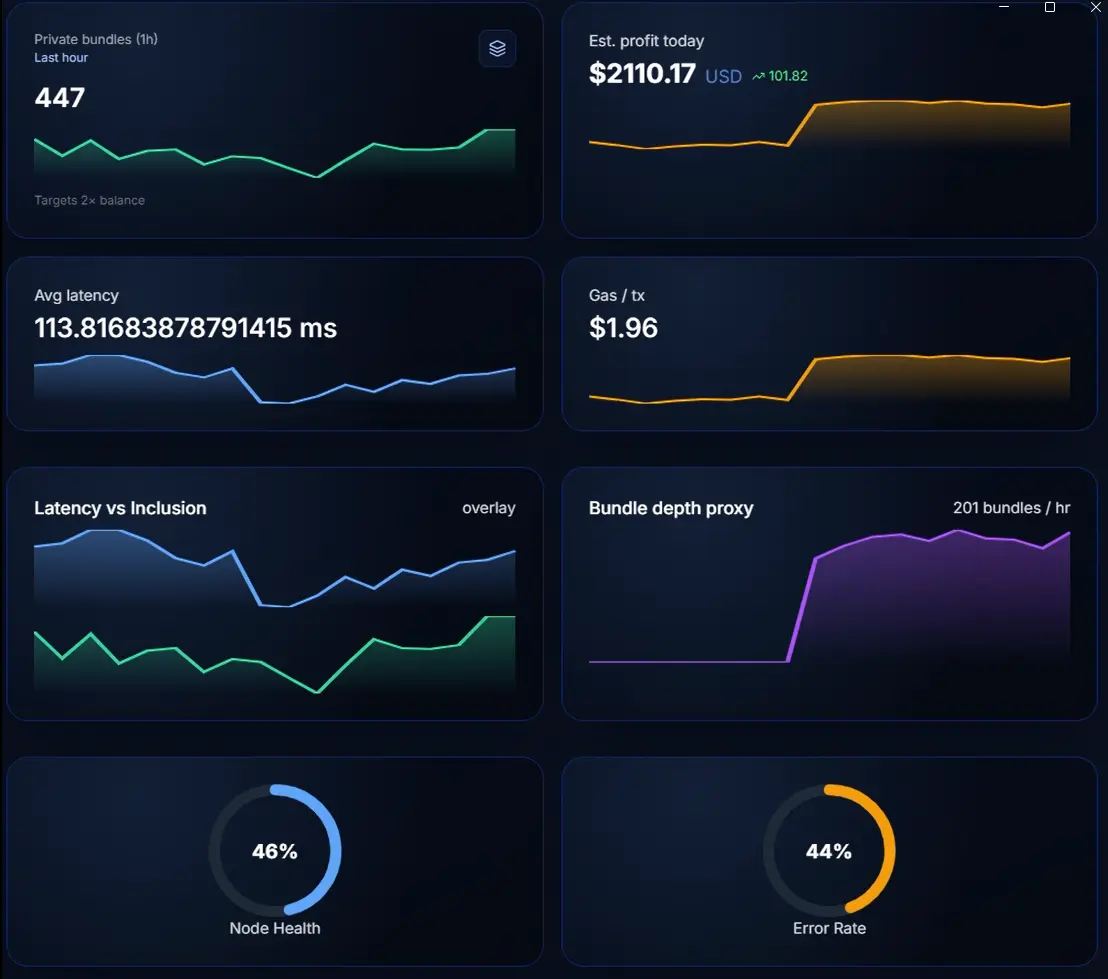
Live Execution
Once deployed, the agent goes live. You can monitor every micro-transaction and gas bid in real-time.
Need architecture help? Ping support for a walkthrough