How to Configure Flashbots Private RPC to Avoid Sandwich Attacks
**Answer first** — Configuring a Flashbots private RPC on Ethereum in 2026 is the single most effective defense against sandwich attacks and front-running in the public mempool. By
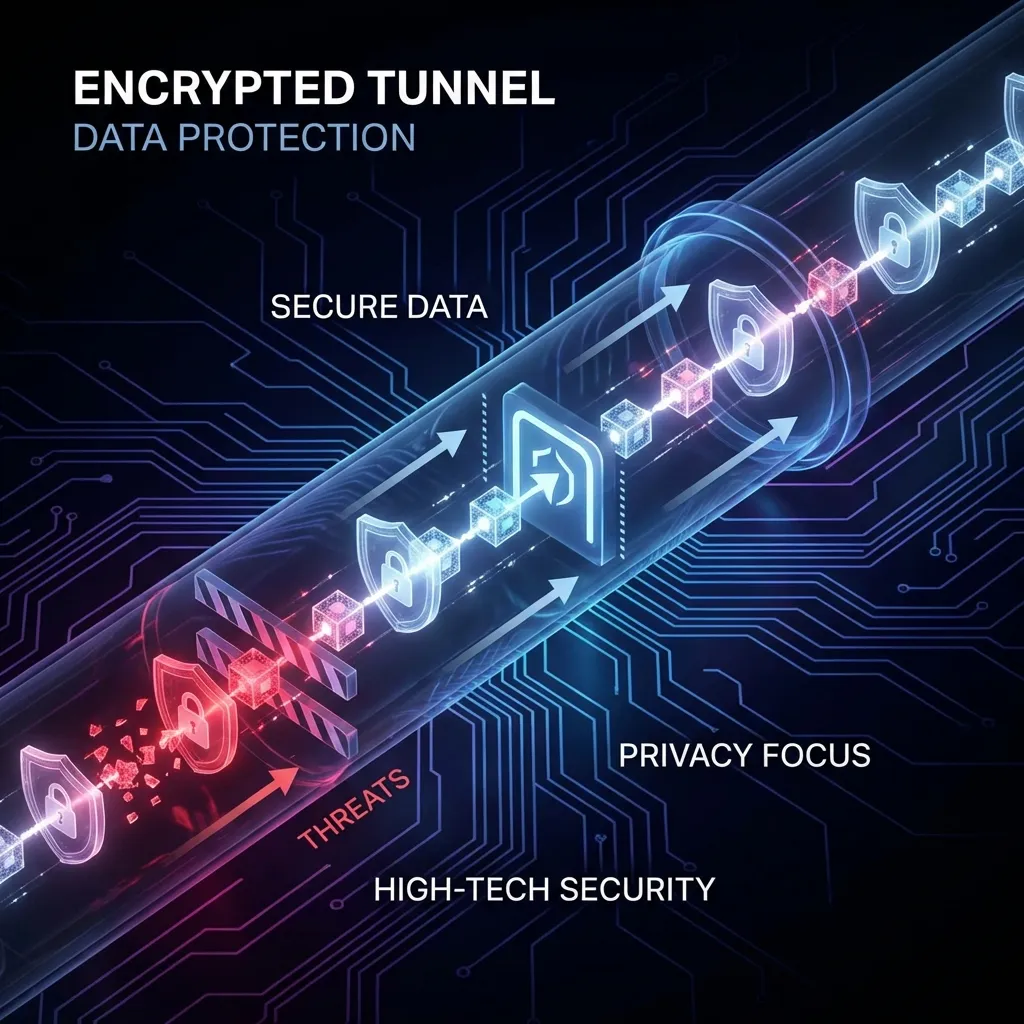
Answer first — Configuring a Flashbots private RPC on Ethereum in 2026 is the single most effective defense against sandwich attacks and front-running in the public mempool. By routing transactions through private relays — Flashbots Protect, Titan Builder, or BeaverBuild — you make your transaction invisible to searcher bots until it lands in a block. This guide shows you how to set that up in MetaMask, Foundry, and FRB Agent.
Mastery Path: Ethereum Mastery
- Advanced ETH Arbitrage
- Institutional Backrunning
- Flashbots Bundles Explained
- Private RPC Guide (Current)
- MEV Profitability 2026
Why the Public Mempool Is Dangerous
When you broadcast a transaction using the default Infura or Alchemy public RPC, it enters the Ethereum mempool — a public waiting room visible to every node and every searcher bot on the network. Within milliseconds, automated bots scan the pending transaction, simulate its effect on DEX prices, and build a sandwich: one transaction before yours (frontrun, buying the asset to inflate the price you pay) and one after yours (backrun, selling into the price impact you created). You lose; the bot profits.
The scale of this is significant. Flashbots has documented over $1.3 billion in cumulative MEV extracted on Ethereum alone since 2020, with sandwich attacks accounting for a large fraction of retail losses on Uniswap swaps.
The fix is structural: bypass the public mempool entirely.
How Private RPCs Work
Private relay infrastructure (Flashbots, Titan, BeaverBuild) accepts your signed transaction directly — without broadcasting it to the public mempool. The relay holds the transaction privately and includes it only in a block where it will succeed. If it can't be included profitably in the next few blocks, it times out and is returned to you as a failed submission (not a failed on-chain transaction, so you don't pay gas for failure).
The trade-off: transactions sent through Flashbots Protect take slightly longer to confirm during low-congestion periods because the relay waits for a builder willing to include your transaction without sandwiching it. During high-congestion periods, this wait is usually negligible.
1. Setting Up in MetaMask
This is the easiest win for retail users and manual traders.
- Open MetaMask → Settings → Networks → Add Network → Add a network manually
- Fill in the following:
- Network Name: Flashbots Protect
- RPC URL:
https://rpc.flashbots.net - Chain ID:
1 - Currency Symbol:
ETH - Block Explorer:
https://etherscan.io
- Click Save, then switch to the "Flashbots Protect" network before executing any swaps
Note: Transactions sent through Flashbots Protect will not appear as "Pending" on Etherscan. They only appear once confirmed as "Success" or (rarely) "Fail". Do not panic if you don't see the transaction immediately — it is in the private relay queue.
For faster confirmation at the cost of slightly reduced sandwich protection, use Flashbots' fast endpoint: https://rpc.flashbots.net/fast. This endpoint relaxes some privacy constraints to prioritize inclusion speed — useful for time-sensitive swaps like NFT mints, less ideal for large Uniswap trades.
2. Setting Up in FRB Agent
FRB Agent uses private bundle submission by default on Ethereum — every transaction goes through Flashbots-compatible relay infrastructure without additional configuration. However, you can customize the relay list for redundancy and inclusion optimization.
In your FRB Agent config (Settings → Networks → Ethereum → Relay Configuration):
{
"Network": "ethereum",
"Relays": [
"https://relay.flashbots.net",
"https://rpc.titanbuilder.xyz",
"https://beaverbuild.org/rpc"
],
"PrivateRPC": true,
"FallbackToPublic": false
}
Why add multiple relays: Different builders accept different transaction types. Flashbots applies OFAC sanctions screening and may reject certain addresses. Titan Builder and BeaverBuild have different filtering policies. With all three configured, FRB submits your bundle to each relay in parallel and the fastest valid inclusion wins. This improves inclusion probability by 15–25% in competitive blocks.
FallbackToPublic: false is critical — keep it set to false if privacy is important. Setting it to true means FRB broadcasts to the public mempool if all relays fail, which re-exposes you to sandwich risk.
3. Protecting Smart Contract Deployments
When deploying a new contract — a sniper bot, a token, or any custom logic — using a private RPC is not optional, it's mandatory. Deploying via the public mempool gives searcher bots a window to:
- Analyze your contract bytecode in the pending transaction
- Simulate execution against current on-chain state
- Exploit any initialization vulnerability or built-in arbitrage in the same block as your deployment
The attack window is measured in milliseconds and is fully automated. Private relay submission closes it entirely.
Foundry deployment via Flashbots:
forge script script/Deploy.s.sol \
--rpc-url https://rpc.flashbots.net \
--broadcast \
--verify
Hardhat deployment:
// hardhat.config.js
networks: {
flashbots: {
url: "https://rpc.flashbots.net",
accounts: [process.env.DEPLOYER_PRIVATE_KEY]
}
}
Then deploy with: npx hardhat run scripts/deploy.js --network flashbots
4. Multi-Relay Strategy for MEV Operators
If you're running systematic MEV strategies rather than just protecting swaps, relay selection becomes a performance variable, not just a security measure. Different builders have different block-building algorithms, different MEV extraction policies, and different fee structures for bundle submission.
Current relay landscape (2026):
| Relay | Sandwich policy | OFAC filtering | Avg inclusion rate |
|---|---|---|---|
| Flashbots Protect | Blocks sandwiching user txs | Yes | ~85% |
| Titan Builder | No explicit policy | Partial | ~78% |
| BeaverBuild | No explicit policy | No | ~72% |
| BloxRoute | Varies by endpoint | No | ~65% |
MEV operators using FRB typically configure 3–4 relays and let FRB's bundle manager track per-relay inclusion rates over time, automatically deprioritizing underperforming relays during a session.
5. Verifying Your Setup Works
After configuring private relay submission, confirm it's actually working before trading with real capital:
- Submit a small test transaction (0.001 ETH to yourself) via the private RPC
- Open Etherscan and search for your wallet address
- Confirm the transaction does not appear as "Pending" — it should appear as "Success" directly with no pending state
If you see a "Pending" state, your transaction leaked to the public mempool. Common causes: MetaMask fell back to its default RPC, or a browser extension intercepted the request. Disable all browser extensions except MetaMask during trading sessions.
Summary
Privacy is not optional in 2026 — it's the baseline for secure on-chain execution. Whether you're swapping manually on Uniswap or running automated MEV bundles through FRB Agent, routing through Flashbots or an equivalent private relay eliminates the largest class of value extraction you'd otherwise face. The setup takes under five minutes and the protection is immediate.
For the next step in understanding how Flashbots private bundles compare to public mempool execution in terms of cost, privacy, and inclusion probability, see Flashbots vs Public PGA.
阅读后的下一步
启动 FRB 控制台
连接您的钱包,通过 6 位 PIN 码配对节点客户端,然后分配上述合约。
相关文章
延伸阅读与工具
讨论
暂无笔记。添加第一条观察,或在以下平台与团队分享链接 X (@MCFRB).